ONLINE VIDEO COURSE
Zero to Hero Power Apps
Learn Microsoft Power Apps from a blank screen to a finished, real business app. No coding background needed.
$25$10075% off
One-time price. Challenge Me vouchers work only on non-promo packages.
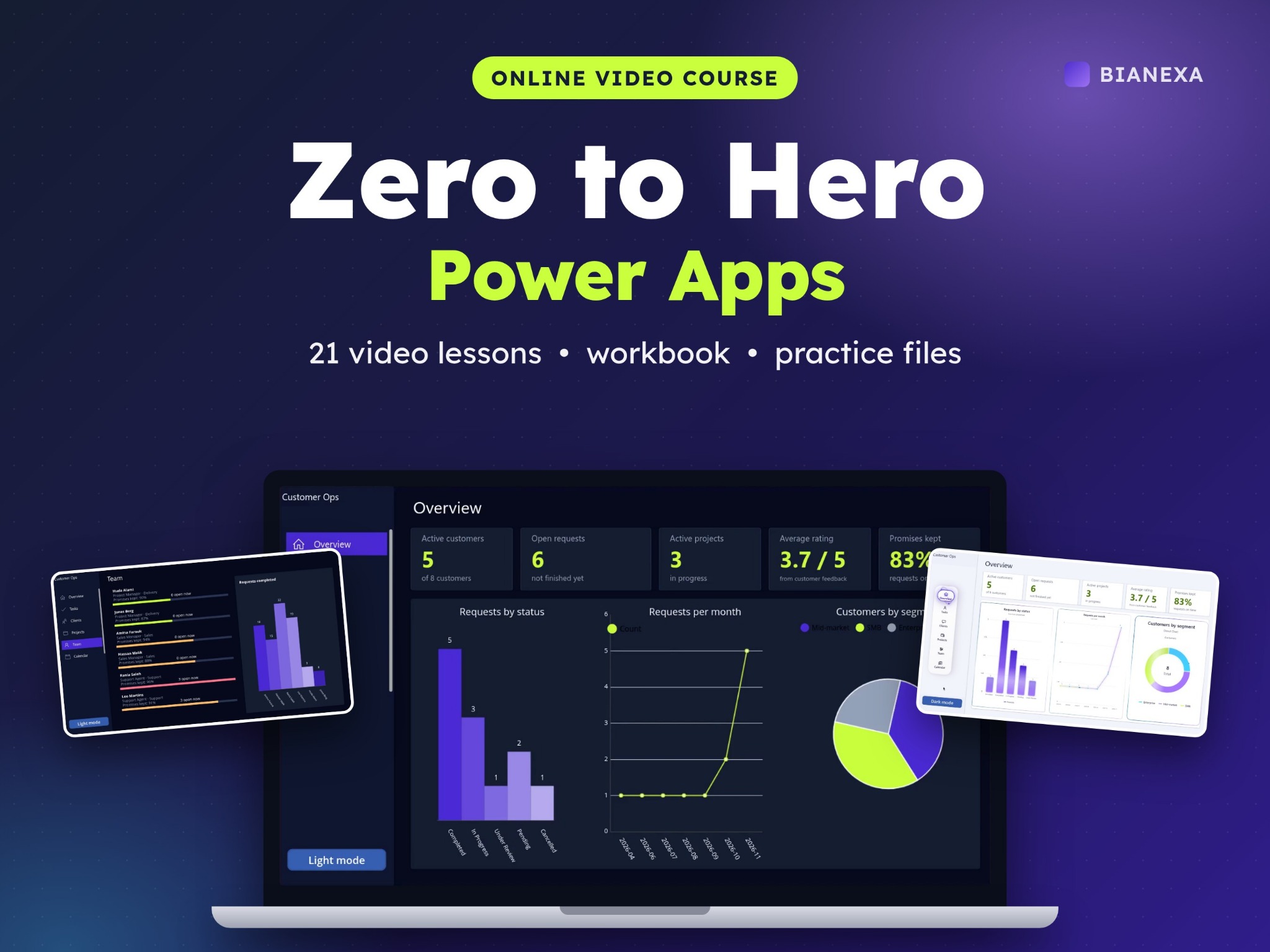
COURSE PREVIEW
See what you will build
A short look at the course and the Customer Operations Hub you will create.
WHAT YOU’LL BUILD
Customer Operations Hub
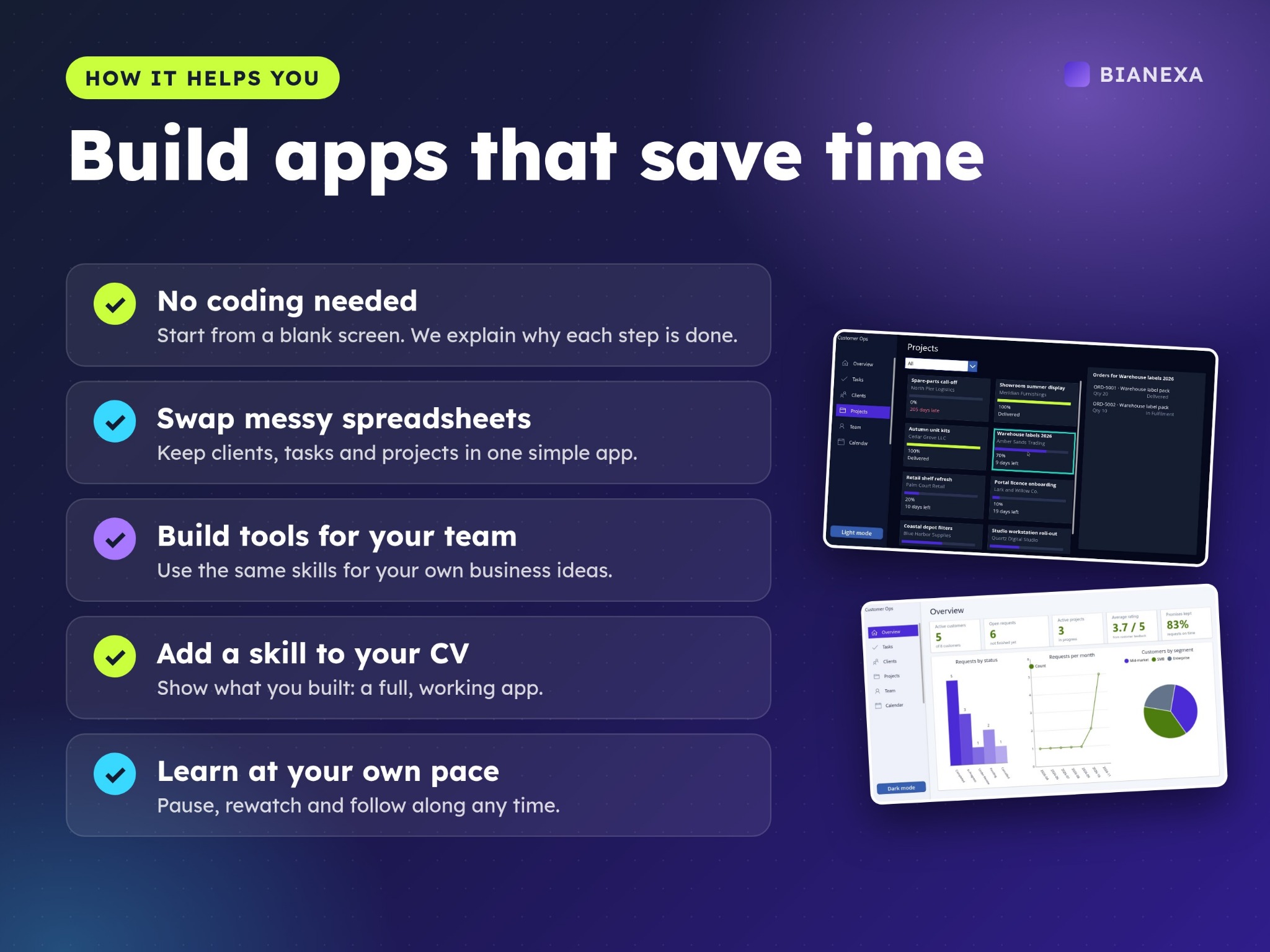
One app for clients, tasks, projects, team and calendar.
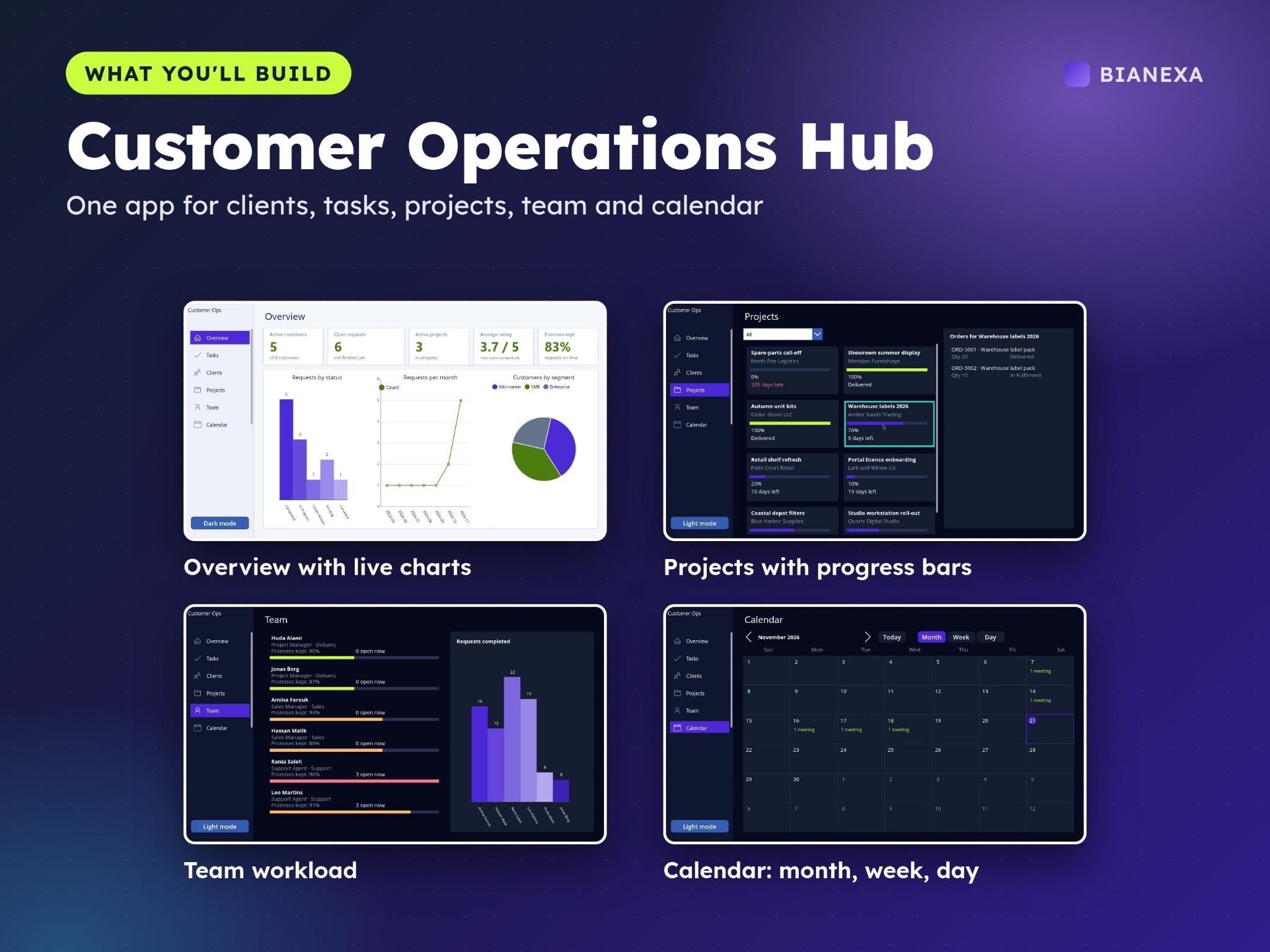
One app, used for real work
Every lesson shows the next step on screen and explains why it is done, so you understand it instead of simply copying.
- Overview with live charts
- Projects with progress bars
- Team workload
- Calendar: month, week and day
- Dark and light mode
21 LESSONS
What you will learn
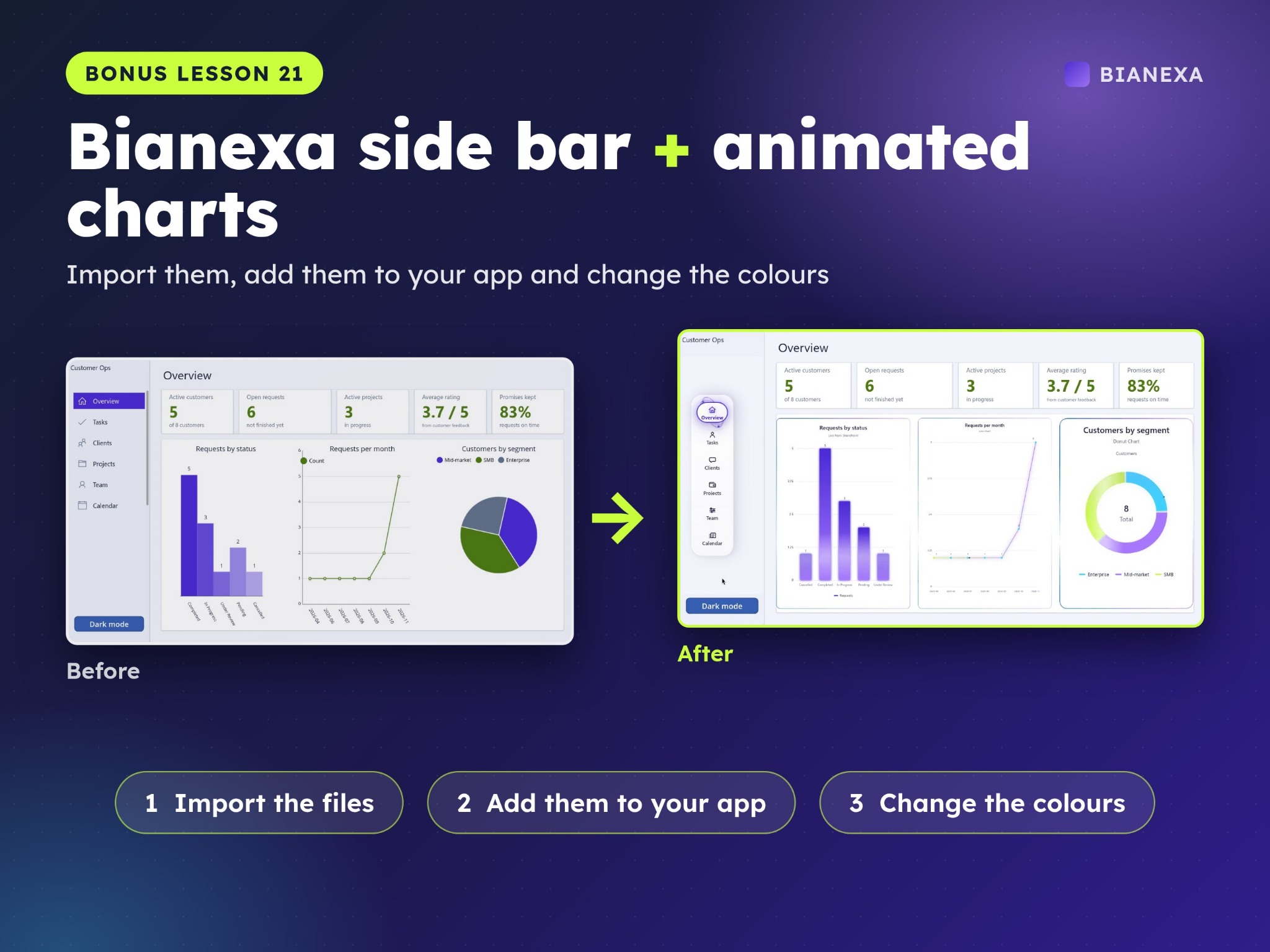
Full-screen video lessons with clear, calm narration. Lesson 21 is a bonus.
WHAT’S INCLUDED
Everything you need to follow along
Full-screen MP4 lessons with clear narration.
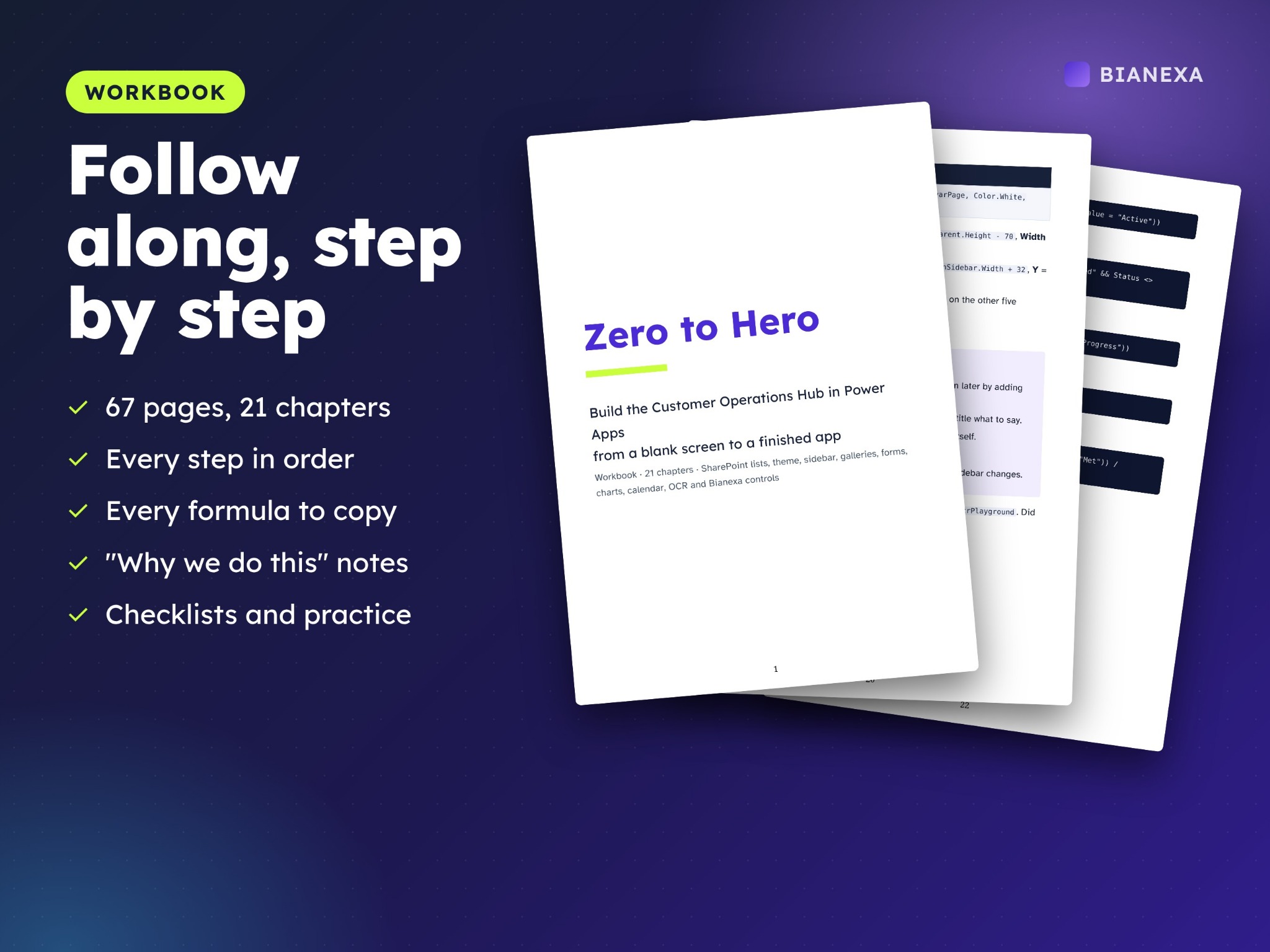
Every step, formula, explanation and checklist in order.
Sample CSV data for the eight SharePoint lists you build.
Build a complete Customer Operations Hub for real work.
HOW IT HELPS YOU
Build apps that save time
- No coding neededStart from a blank screen and understand each step.
- Swap messy spreadsheetsKeep clients, tasks and projects in one simple app.
- Build tools for your teamUse the same skills for your own business ideas.
- Add a skill to your CVShow a full, working app you built.
- Learn at your own pacePause, rewatch and follow along any time.
HOW DELIVERY WORKS
Start Lesson 1
Open the Bianexa in-page cart and choose your payment method.
After payment, receive the digital course package.
Download the videos, workbook and practice files.
Open Lesson 1 and keep the workbook beside the video.
QUESTIONS
Before you start
What do I get?
21 video lessons, a 67-page workbook and practice files. Lesson 21 is a bonus.
What do I need?
A Microsoft 365 work or school account, and access to Power Apps and SharePoint.
Do I need to know how to code?
No. Each lesson shows the next step on screen and explains why it is done.
Can I get help?
Yes. Contact Bianexa through the contact page or email support@bianexa.com.
ZERO TO HERO POWER APPS
Build your first real Power App
21 videos, a 67-page workbook and practice files.
$25$10075% off
Buy now — $25Challenge Me vouchers work only on non-promo packages.